
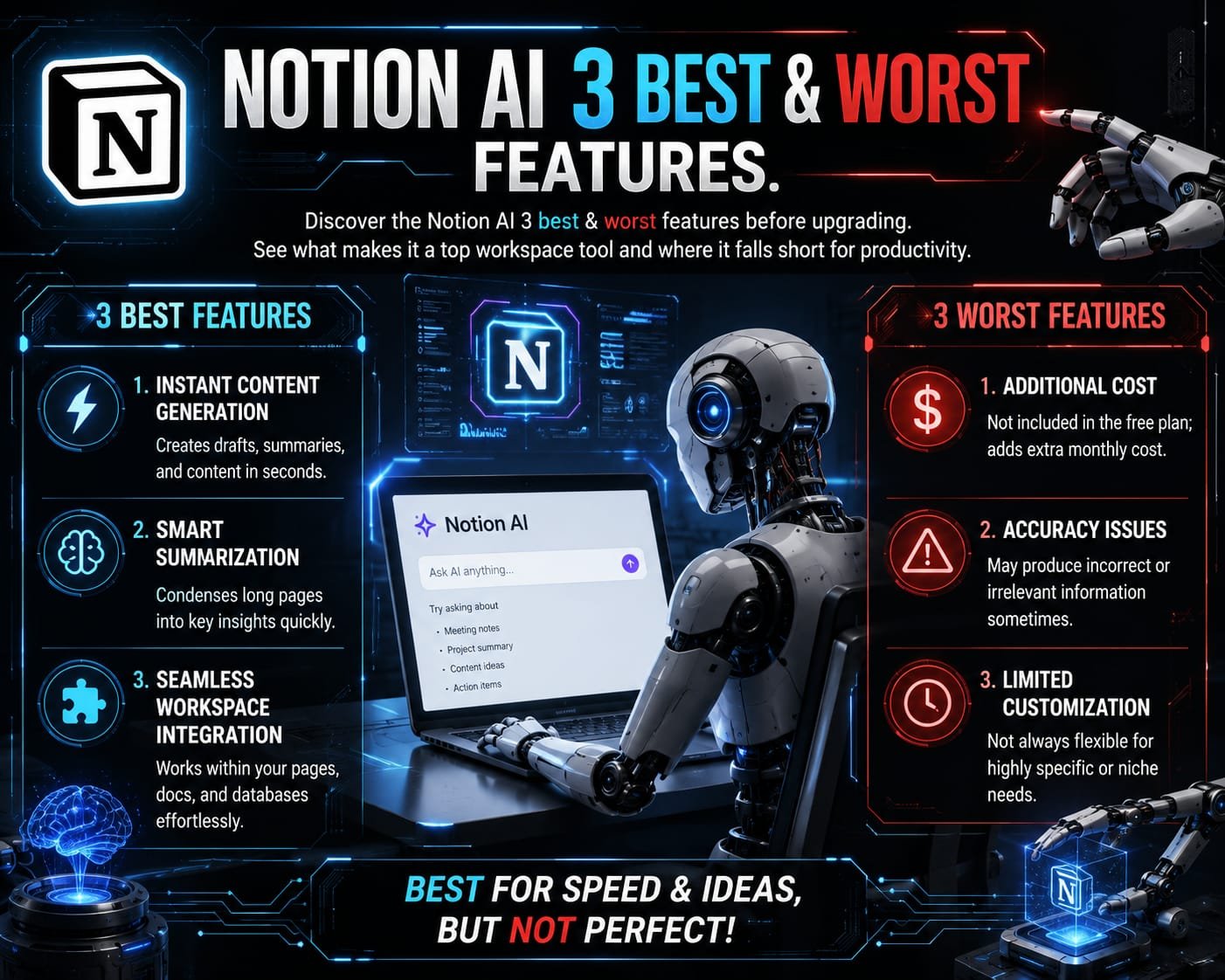

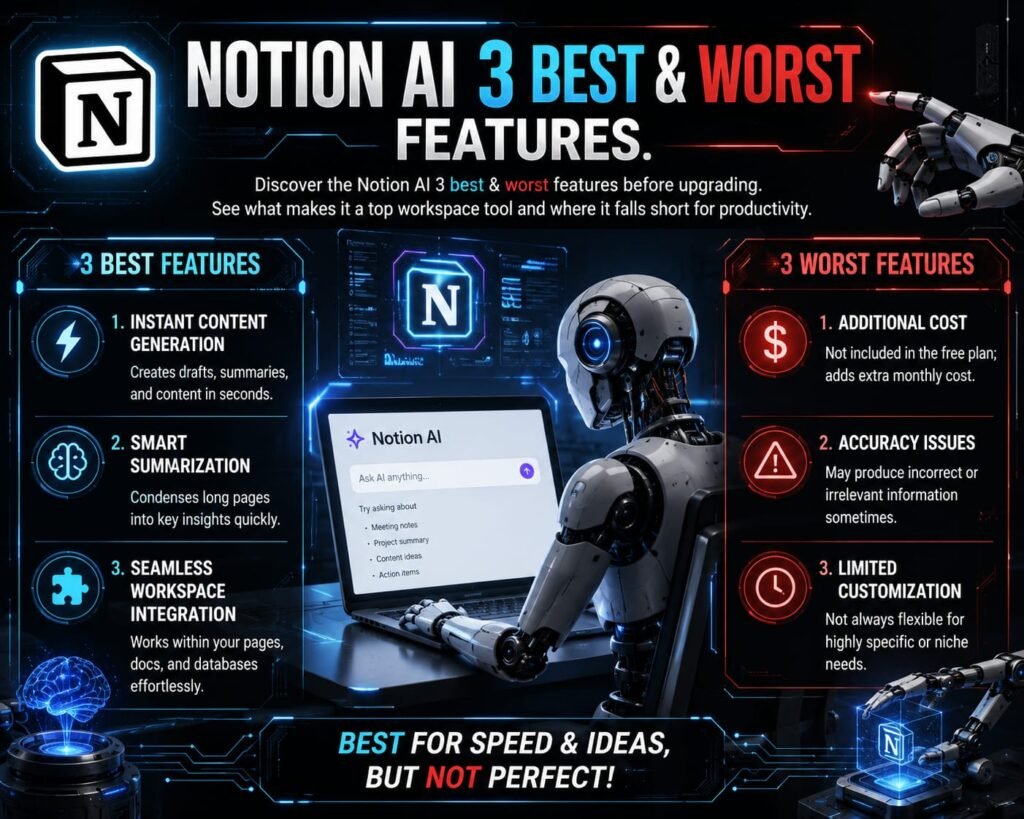
Discover the Notion AI 3 best & worst features before upgrading. See what makes it a top workspace tool and where it falls short for productivity.
Discover Notion AI’s 3 best and worst features to see if it’s worth the price for your workflow.
Notion AI: 3 Best & Worst Features Explained
In the rapidly evolving landscape of digital productivity tools, workspace AI integrations have shifted from a luxury to a baseline requirement. Among the frontrunners in this space is Notion, a platform widely celebrated for its modular note-taking, project management, and database capabilities. However, with the introduction of its built-in artificial intelligence assistant, many users are asking whether the upgrade is truly transformative or simply an added expense. In this detailed review, we will explore the Notion AI: 3 Best & Worst Features to help you determine if this tool fits your daily workflow.
Understanding Notion AI in Modern Workspaces
Before diving into specific capabilities and limitations, it is essential to understand how Notion AI operates within your environment. Unlike traditional standalone AI models that require you to prompt them in a separate browser tab, Notion AI works natively inside your documents, wikis, and project boards. This deep integration allows the system to pull context directly from your existing workspace notes. When assessing the Notion AI: 3 Best & Worst Features, the convenience of contextual awareness frequently stands out as a primary advantage, though it comes alongside notable trade-offs.
The 3 Best Features of Notion AI
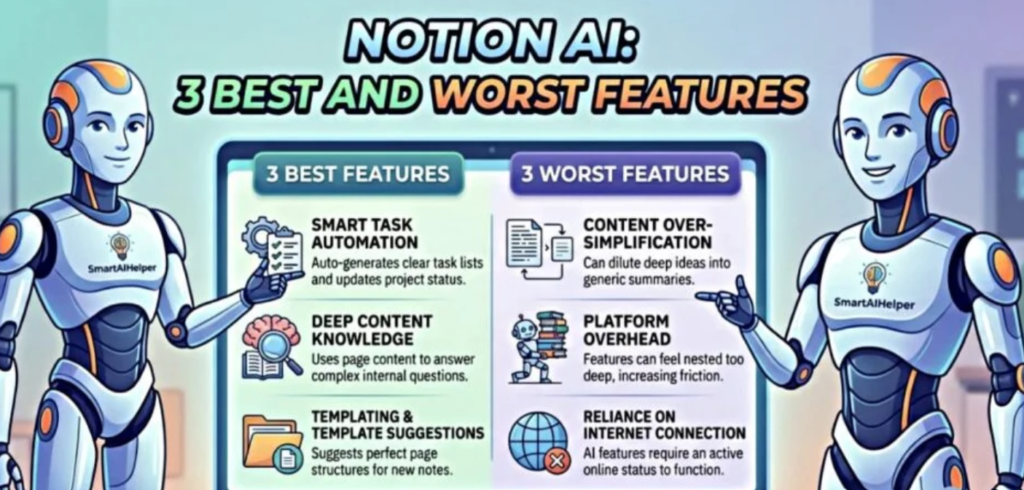
                      ┌──────────────────────────────────────────────┐
                      │             NOTION AI TOP PROS               │
                      └──────────────────────┬───────────────────────┘
                                             │
      ┌──────────────────────────────────────┼──────────────────────────────────────┐
      ▼                                      ▼                                      ▼
┌──────────────┐                       ┌──────────────┐                       ┌──────────────┐
│  Smart Task  │                       │ Deep Content │                       │ Templating & │
│ Automation   │                       │ Knowledge    │                       │ Suggestions  │
└──────────────┘                       └──────────────┘                       └──────────────┘
1. Smart Task Automation & Action Item Extraction
One of the standouts when reviewing the Notion AI: 3 Best & Worst Features is its ability to turn unstructured notes into actionable items instantly.
- Automated Extraction: After a long meeting or brainstorming session, you can prompt the AI to scan the document and pull out tasks, complete with assignee suggestions and clear action steps.
- Database Property Autofill: Instead of manually filling out metadata, the AI can automatically summarize page content, generate tags, or draft updates across entire database properties.
- Workflow Acceleration: By automating manual administrative chores, teams save significant time during project handoffs.
2. Deep Content Knowledge Across Your Workspace
A recurring theme in evaluating the Notion AI: 3 Best & Worst Features is how effectively the AI leverages internal documentation to answer complex questions.
- Context-Aware Q&A: You can query the AI about specific company policies, past project details, or meeting decisions, and it searches through your connected Notion pages to synthesize a clear answer.
- Elimination of Tab-Switching: You no longer need to copy and paste background context into external AI tools; everything stays contained within your secure workspace.
- Instant Summarization: Long-form documents, detailed technical guides, and multi-page wikis can be condensed into concise bullet points with a single click.
3. Templating & Structural Suggestions
Rounding out the top advantages in our breakdown of the Notion AI: 3 Best & Worst Features is the system’s ability to help overcome writer’s block and build structured page outlines.
- Instant Page Outlines: Whether drafting a PRD (Product Requirement Document), a blog post, or a project charter, Notion AI suggests clear heading structures tailored to your topic.
- Tone & Grammar Refinement: Built-in editing tools allow you to quickly adjust tone (making text more professional, direct, or friendly) and clean up typos without leaving the editor.
- Creative Brainstorming: The AI acts as a collaborative writing partner, helping generate initial drafts and alternative ideas directly on the canvas.
The 3 Worst Features of Notion AI
                      ┌──────────────────────────────────────────────┐
                      │             NOTION AI TOP CONS               │
                      └──────────────────────┬───────────────────────┘
                                             │
      ┌──────────────────────────────────────┼──────────────────────────────────────┐
      ▼                                      ▼                                      ▼
┌──────────────┐                       ┌──────────────┐                       ┌──────────────┐
│   Content    │                       │   Platform   │                       │ Reliance on  │
│  Over-Simp.  │                       │   Overhead   │                       │ Internet Conn│
└──────────────┘                       └──────────────┘                       └──────────────┘
1. Risk of Content Over-Simplification
When examining the downside of the Notion AI: 3 Best & Worst Features, content over-simplification frequently surfaces as a major critique.
- Loss of Technical Nuance: When summarizing complex technical specs or legal documents, the AI occasionally strips away critical detail in favor of brevity.
- Generic Output Style: Default text generation can feel somewhat formulaic, requiring manual editing to restore a distinct brand voice or deep depth of thought.
- Hallucination Potential: Like all large language models, it can occasionally misinterpret page context or synthesize incorrect details when summarizing dense information.
2. Platform Overhead & Added Costs
Another crucial consideration in the Notion AI: 3 Best & Worst Features evaluation is the financial and operational cost associated with adoption.
- Subscription Add-On: Notion AI operates as an extra fee per user per month on top of existing plan costs, which can significantly raise software expenses for growing teams.
- UI Friction: With AI prompts embedded throughout menus, block popups, and database properties, some users find the interface feels cluttered or overly dense.
- Learning Curve: Maximizing value requires team members to learn prompt engineering within Notion’s specific block structure, leading to inconsistent adoption.
3. Strict Reliance on Internet Connection & Cloud Sync
The final limitation in our assessment of the Notion AI: 3 Best & Worst Features stems from network dependencies and performance constraints.
- No Offline Functionality: Because AI processing relies on cloud servers, all AI features become entirely unavailable when working offline.
- Large Database Slowdowns: When processing massive databases with hundreds of interconnected entries, query response times can drop visibly.
- Limited External Capabilities: Unlike dedicated AI research tools or standalone bots, Notion AI is optimized primarily for internal document management rather than complex standalone tasks like deep software coding or heavy web-scraping research.
Comparison Summary: Weighing the Balance
| Feature Category | Highlights & Capabilities | Trade-Offs & Drawbacks |
| Automation | Task extraction, auto-summaries, property filling | Occasional over-simplification of complex tasks |
| Knowledge Retrieval | Searches internal workspace notes instantly | Depends entirely on the quality of existing notes |
| Writing Assistance | Outlines, tone adjustment, drafting support | Can produce generic prose if prompts lack detail |
| Usability & Cost | Native integration without leaving Notion | Requires an extra paid add-on tier per member |
Final Verdict: Is Notion AI Worth It?
Ultimately, analyzing the Notion AI: 3 Best & Worst Features reveals that the value of this tool depends entirely on how heavily your team relies on Notion daily. If your organization already manages projects, wikis, and meeting notes inside the platform, the seamless integration and task automation features will yield immediate productivity gains.
However, if you are seeking a standalone conversational bot for advanced technical tasks or deep web research, a dedicated tool like ChatGPT or Claude remains a necessary complement. By carefully weighing the Notion AI: 3 Best & Worst Features, you can make an informed choice that best aligns with your team’s workflow and budget.