
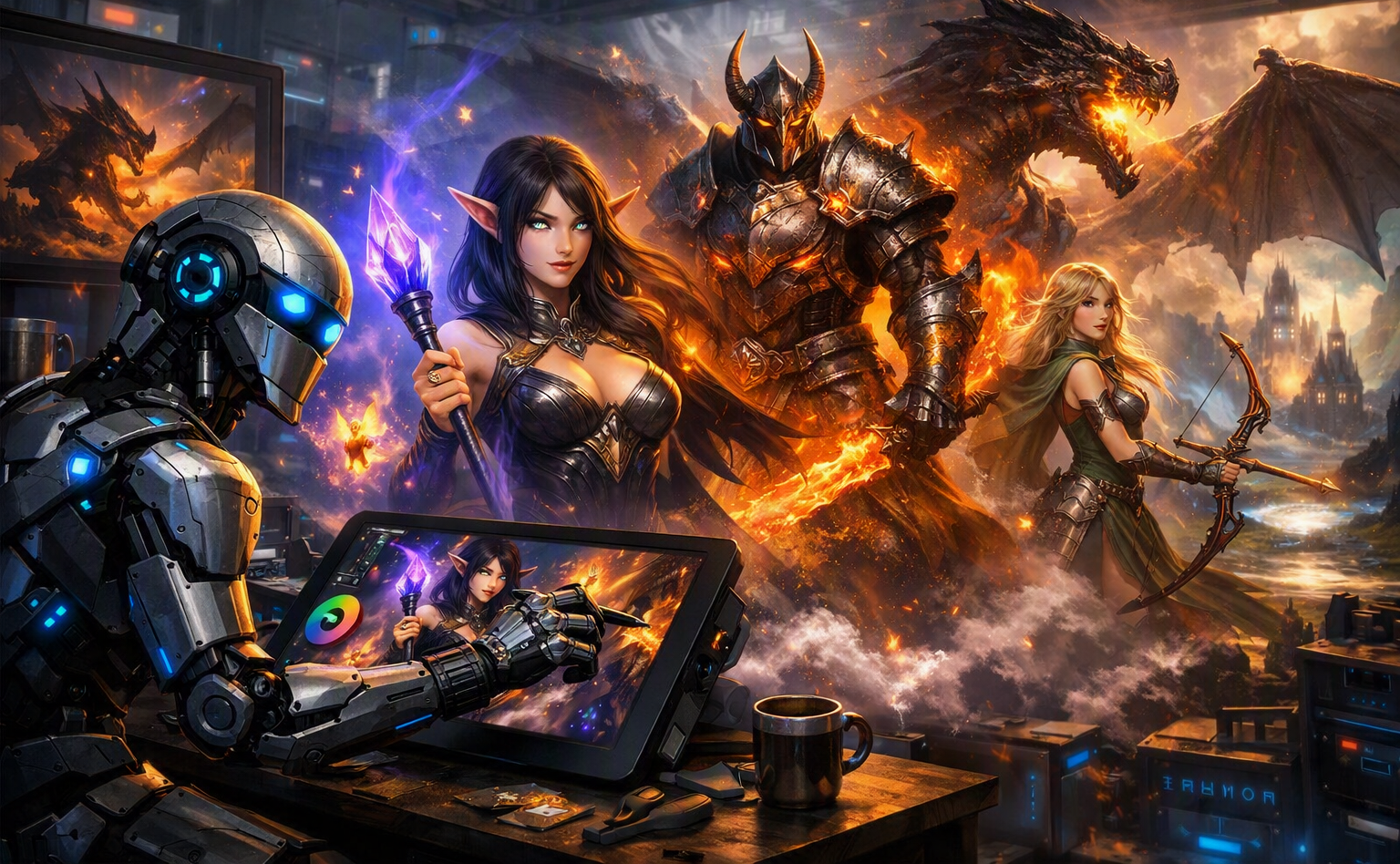

4 Top Leonardo AI Tools to Avoid Bad Art: Master negative prompting, Alchemy, AI Canvas, and upscaling for pristine results!
4 Top Leonardo AI Tools to Avoid Bad Art: Complete Mastery & Breakdown
Creating digital artwork with generative artificial intelligence can often lead to unpredictable outcomes. Beginners and professionals alike regularly encounter artifacts, distorted anatomy, unnatural lighting, or low-resolution outputs.
Fortunately, knowing how to leverage 4 Top Leonardo AI Tools to Avoid Bad Art enables you to turn messy generations into gallery-ready masterpieces. This comprehensive guide explores these four critical core capabilities inside Leonardo AI, while examining how modern content AI systems function, interact, and assist creators across iterative workflows.
Understanding Content AI and Generative Pipelines
Before diving directly into the four tools, it is vital to understand what content AI actually is and how it processes artistic requests.
Content AI refers to artificial intelligence systems designed to generate, refine, transform, or assist in creating digital media—including text, audio, video, and visual images. Unlike basic software algorithms that follow rigid, rule-based scripts, visual content AI utilizes deep learning neural networks (primarily diffusion models) to understand prompt relationships, styles, lighting dynamics, and physical composition.
However, even advanced content AI models can hallucinate or render incorrect details without precise user guidance. When you utilize the 4 Top Leonardo AI Tools to Avoid Bad Art, you are bridging the gap between raw machine output and targeted human artistic vision.
Tool 1: Negative Prompting & Precise Token Exclusion
Eliminating Common Artifacts
Negative prompting is your first line of defense against low-quality renders. While standard positive prompts tell the model what to include, negative prompts explicitly tell the generative engine what to exclude.
- Anatomical Errors: Extra fingers, cloned limbs, floating hands, asymmetrical faces.
- Structural Issues: Oversaturated colors, blurriness, JPEG compression artifacts, pixelation.
- Environmental Noise: Text overlays, watermarks, unwanted background clutter.
By applying negative prompts strategically, you direct the visual content AI engine away from typical dataset flaws. Mastering this feature is essential, making it a foundational component among the 4 Top Leonardo AI Tools to Avoid Bad Art.
Tool 2: Alchemy & PhotoReal Pipeline Engines
Advanced Rendering Mechanics
Leonardo AI offers rendering pipelines like Alchemy and PhotoReal, designed to improve prompt interpretation, lighting realism, and high-frequency details.
| Feature | Standard Generation | Alchemy / PhotoReal Engine |
| Prompt Alignment | Basic keyword matching | Contextual, deep semantic understanding |
| Dynamic Lighting | Often flat or inconsistent | Accurate volumetric shadow and highlight mapping |
| Texture Quality | Can blur on close-up details | High-definition skin, fabric, and surface rendering |
When creators fail to use advanced rendering pipelines, their images often suffer from flat contrast, glossy uncanny-valley skin textures, or weird composition choices. Incorporating these engines into your regular generation workflow is a core strategy when utilizing the 4 Top Leonardo AI Tools to Avoid Bad Art.
Tool 3: AI Canvas & Inpainting Editors
Surgical Editing Without Complete Regeneration
Even when a prompt works well, a render might have one minor flaw: a distorted eye, a strange object in the background, or an unnatural seam. Traditional generative workflows force users to throw away the whole image and re-roll.
Leonardo AI’s Canvas and Inpainting editor allows you to fix localized errors cleanly:
- Select the Inpainting Brush: Mask over only the flawed area (such as a hand or face).
- Adjust the Local Prompt: Describe what should be in that exact spot.
- Blend Seams: Let the localized content AI smooth out lighting and texture boundaries.
By isolating localized mistakes, the 4 Top Leonardo AI Tools to Avoid Bad Art give creators full surgical control over their final image.
Tool 4: Universal Upscaler & Detail Refiners
Crystal Clear High-Resolution Renders
Initial AI renders typically generate at lower resolutions to save processing time. However, low resolutions hide fine details and introduce soft, blurry edges.
The Universal Upscaler increases pixel dimensions while intelligently adding coherent micro-textures:
- Sharpens Soft Edges: Cleans up fuzzy lines and removes low-res noise.
- Enhances Micro-Details: Adds realistic detail to eye irises, clothing weaves, hair strands, and metallic reflections.
- Maintains Cohesion: Preserves overall style without warping facial structures.
Completing your image with a dedicated upscaler guarantees professional output, securing its position among the 4 Top Leonardo AI Tools to Avoid Bad Art.
Summary of Core Features
4 Top Leonardo AI Tools to Avoid Bad Art: Utilizing Negative Prompts, the Alchemy Engine, Canvas Inpainting, and the Universal Upscaler ensures every visual asset produced by your content AI workflow remains pristine, professional, and visually accurate.
Essential Key Takeaways
- Negative Prompting: Excludes unintended visual flaws and structural glitches before generation begins.
- Alchemy / PhotoReal: Elevates semantic understanding, depth, and realistic lighting dynamics.
- Canvas Inpainting: Provides targeted, surgical fixes for localized errors without wasting the entire render.
- Universal Upscaling: Converts raw, soft generations into crisp, high-resolution final outputs.